THREE APPS · EACH DEMO UNDER A MINUTE
See what your shoppers will see.
Choose the job your store needs. Watch the app, check its setup requirements and start with its Free plan on Shopify.
PARCEL · SEE IT BEFORE YOU INSTALL
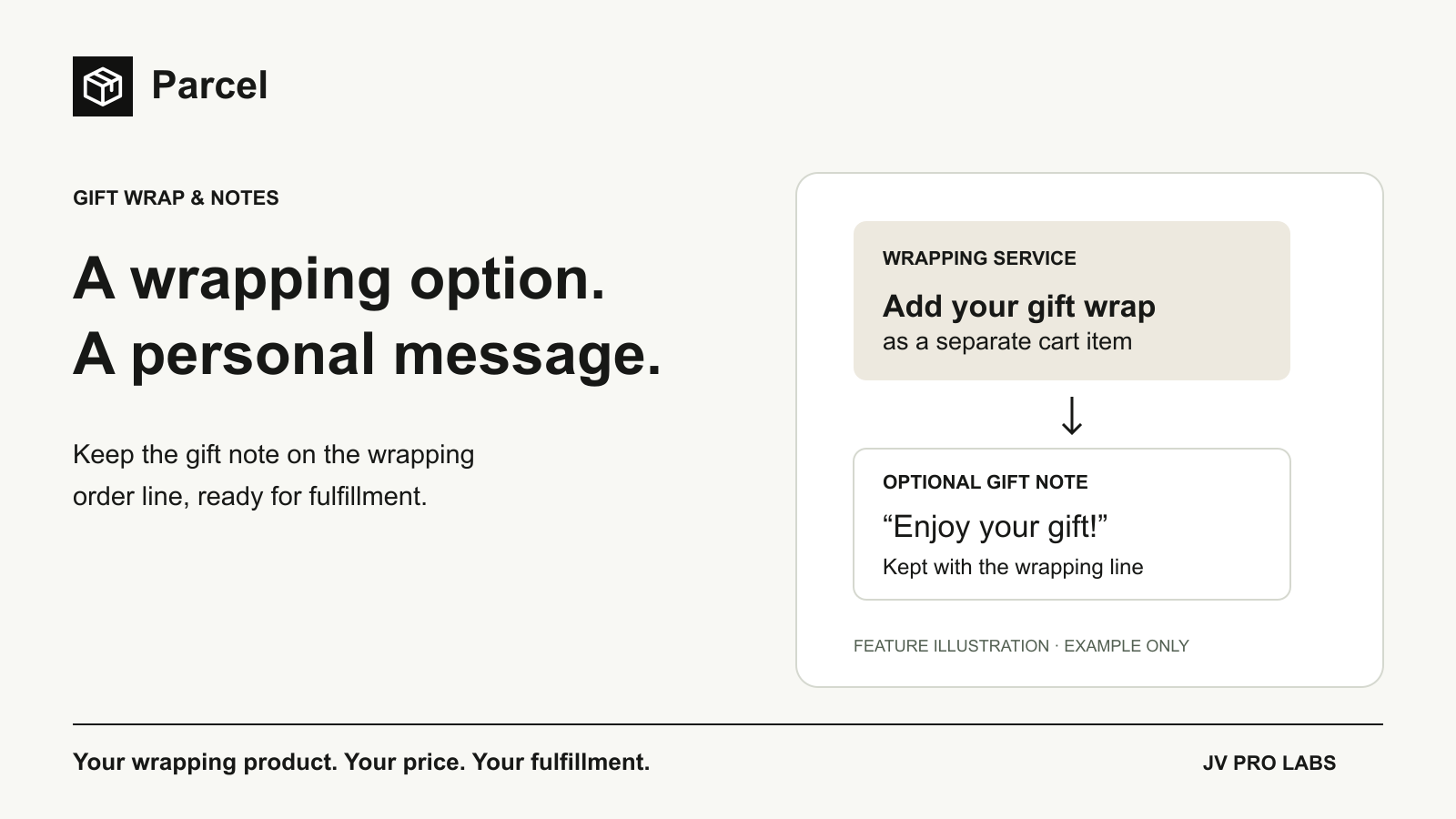
From gift note to cart line.
See a shopper add your paid wrapping service, keep a gift message with the wrapping item, and explore the appearance settings. Each demo takes less than a minute.
Pressing play loads YouTube’s video player. Open on YouTube.
Read the Parcel walkthrough
- The shopper chooses a gift-wrap product, quantity and optional message in the cart.
- Parcel adds wrapping as a separate paid line and retains the gift note with that item.
- Use Appearance to match the headline, button text and color to your store. Test the full cart flow on your theme.
Start free: 20 tracked interactions / calendar month. Compare plans and limits.
METER · SEE IT BEFORE YOU INSTALL
Show the amount left to add.
See a cart progress bar, a sample shipping goal and the message shown when that goal is reached. Each demo takes less than a minute.
Read the Meter walkthrough
- This example cart is $29.50 below a $75 free-shipping threshold.
- Set your own threshold and success message in Meter, then customize the headline and appearance.
- The message changes when the goal is reached. Check the matching discount, destination eligibility and shipping costs before publishing.
Start free: 100 tracked views / calendar month. Compare plans and limits.
FIT · SEE IT BEFORE YOU INSTALL
Let shoppers read your measurements.
See the storefront unit switch, the CSV measurement table and the controls for assigning and publishing a chart. Each demo takes less than a minute.
Read the Fit walkthrough
- Shoppers switch the example size chart between centimeters and inches.
- Create a CSV measurement table with one row per size and choose its original unit.
- Assign the chart to products, publish it and enable storefront display. Add the Fit block to the product template and preview an assigned product.
Start free: 1 saved chart · up to 50 products. Compare plans and limits.